

Welcome to GFXInspire, the ultimate destination for high-quality video effects and templates. We are excited to present our latest offering: Free Videohive 52498401 Glitch Noise Transitions | After Effects. This After Effects package includes 16 unique glitching and distorting transition effects designed to add a dynamic touch to your videos. Perfect for various video projects, these transitions can be used at the beginning, middle, or end of your footage to create visually striking results.
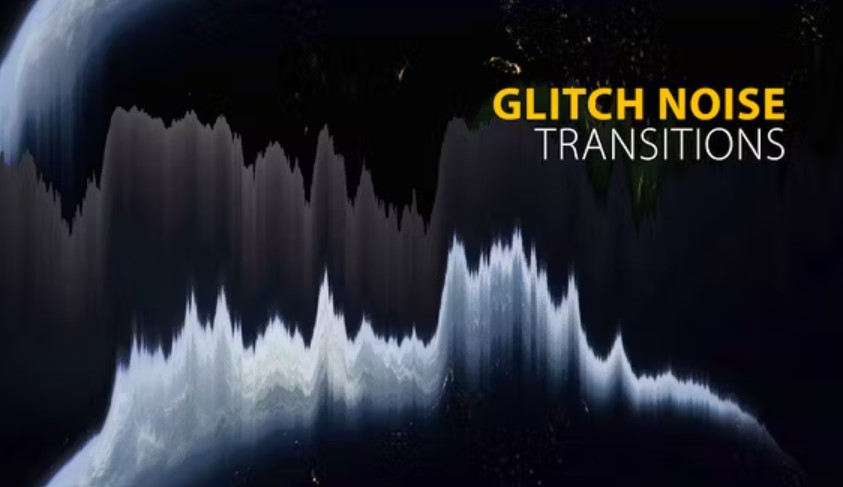
Preview Video:
Special thanks to Alec_Koff for the great track used in the video preview. You can find more of his work here.
Password for Zip is: GFXInspire.com
Key Features of Glitch Noise Transitions
Versatile and Dynamic
- 16 Unique Transitions: This package includes 16 different glitch noise transitions to enhance your video content.
- UHD and HD Resolutions: Available in both UHD and HD to ensure your projects look stunning on any screen.
- No Plugins Required: These transitions are ready to use without any additional plugins.
User-Friendly and Comprehensive
- Tutorial Included: A detailed video tutorial is provided to help you get started quickly and easily.
- Easy Customization: Modify the transitions to suit your specific project needs with ease.
What's Included in the Package?
When you download the Free Videohive 52498401 Glitch Noise Transitions | After Effects from GFXInspire, you get everything you need to elevate your video projects:- After Effects Project File (AEP): The main project file containing all 16 transitions.
- Comprehensive Video Tutorial: Step-by-step instructions to guide you through the customization process.
How to Use Glitch Noise Transitions
Step-by-Step Guide
- Download and Open: Begin by downloading the After Effects file from GFXInspire and opening it in After Effects.
- Apply Transitions: Choose from the 16 glitch noise transitions and apply them to your video footage.
- Customize Settings: Adjust the settings and parameters to fit your project requirements.
- Export and Share: Once you are happy with the results, export your video and share it with your audience.
Benefits of Using Our Glitch Noise Transitions
Professional Quality
Our Glitch Noise Transitions are designed by industry professionals to ensure top-notch quality and maximum impact. These effects will give your videos a unique, dynamic look that is sure to captivate your audience.Time-Saving
With pre-made transitions, you can save valuable time in the editing process. Quickly apply these effects and focus more on creating compelling content.Versatile Usage
These transitions are perfect for a wide range of video projects, from music videos and short films to commercials and personal projectsLicensing Information
At GFXInspire, we offer flexible licensing options to suit your needs:- Regular License: Ideal for personal projects and smaller-scale use.
- Extended License: Perfect for commercial projects and larger-scale usage.
Rate and Review
We value your feedback! If you enjoy using the Free Videohive 52498401 Glitch Noise Transitions | After Effects, please rate it in your downloads section. Your ratings help us improve our products and services.Frequently Asked Questions
Do I need any special plugins to use these transitions?
No, our transitions do not require any additional plugins. They are ready to use with After Effects.Can I use these transitions for commercial projects?
Yes, you can use these transitions for commercial projects. Please ensure you select the appropriate license for your needs.What if I need help customizing the transitions?
We provide a detailed video tutorial to help you customize the transitions. If you need further assistance, you can contact us through our support page.Where can I find the licensing information?
Licensing information is available here.Preview Video:
Final Thoughts
The Free Videohive 52498401 Glitch Noise Transitions | After Effects available on GFXInspire is the perfect addition to your video editing toolkit. With easy customization, high-quality transitions, and a comprehensive tutorial, you can create stunning, dynamic videos effortlessly. Download these transitions today and transform your video projects.Special thanks to Alec_Koff for the great track used in the video preview. You can find more of his work here.
Password for Zip is: GFXInspire.com


